
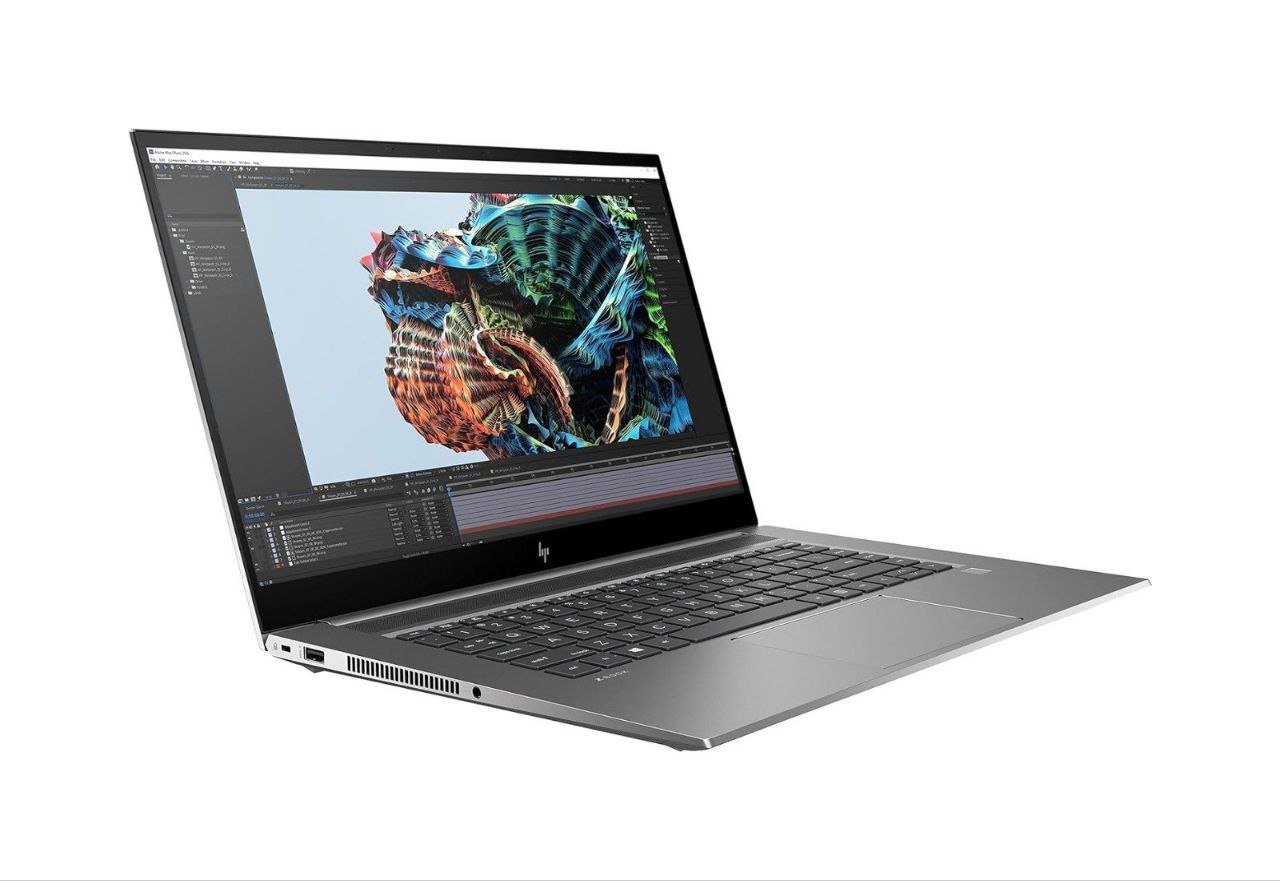
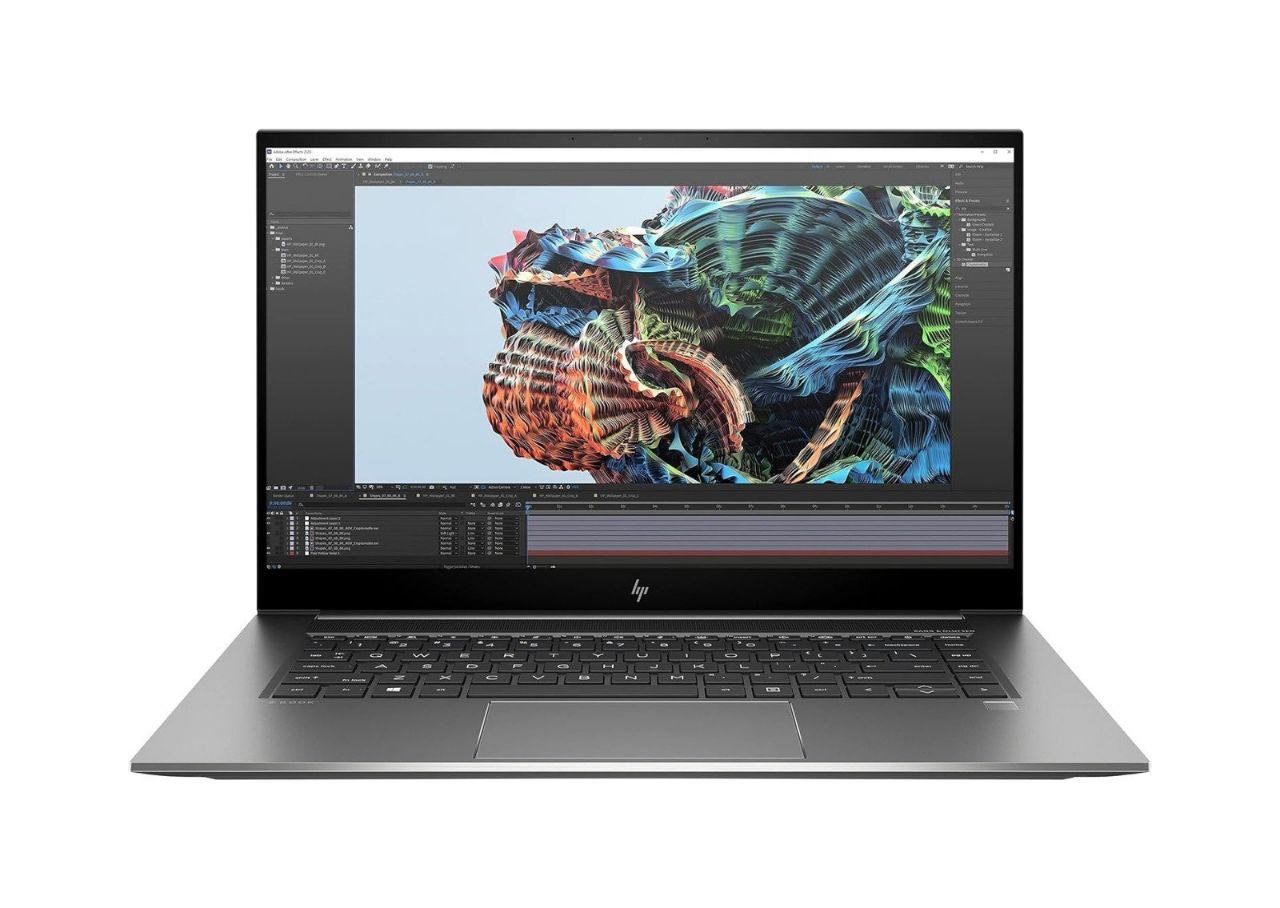
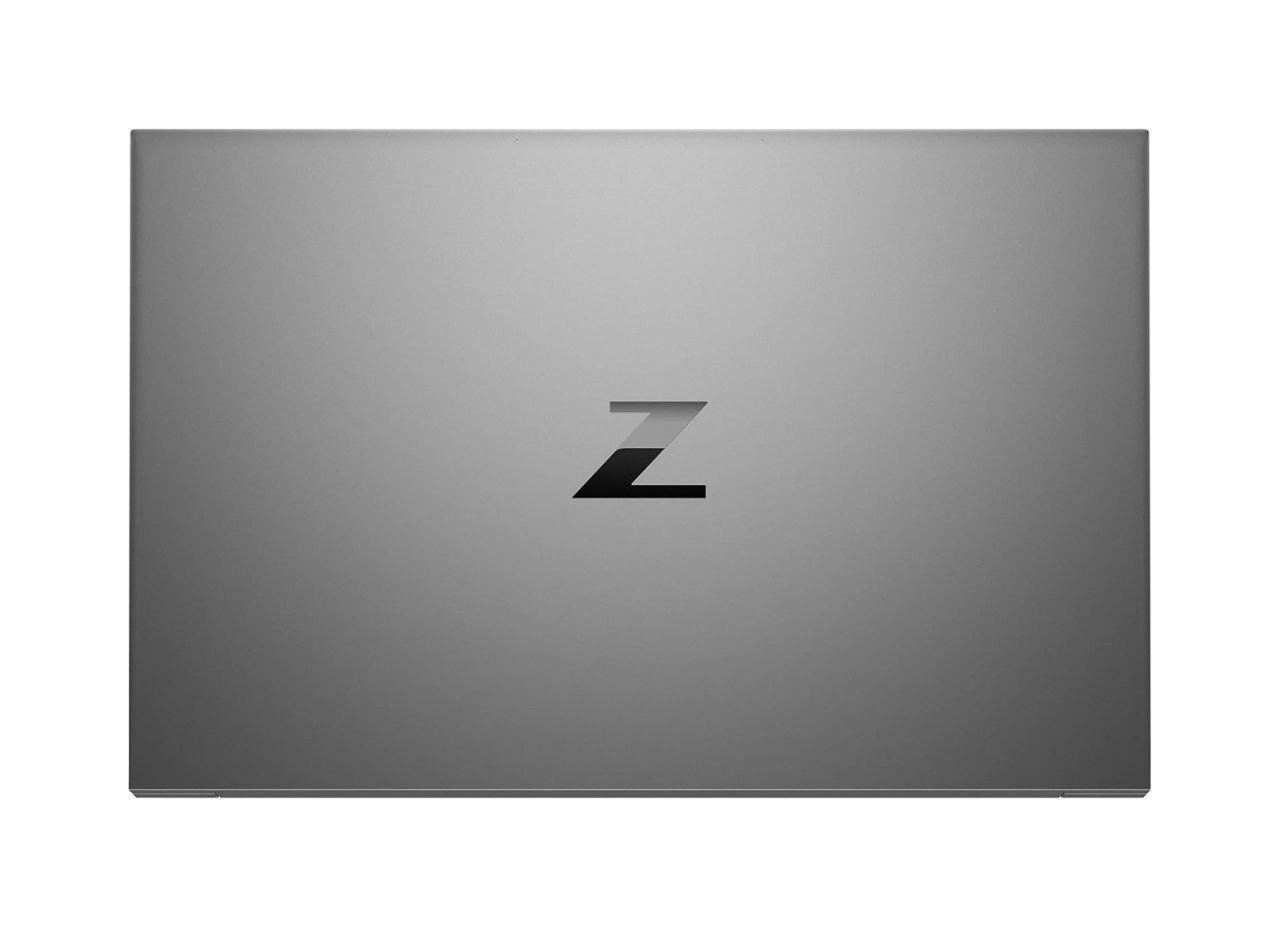
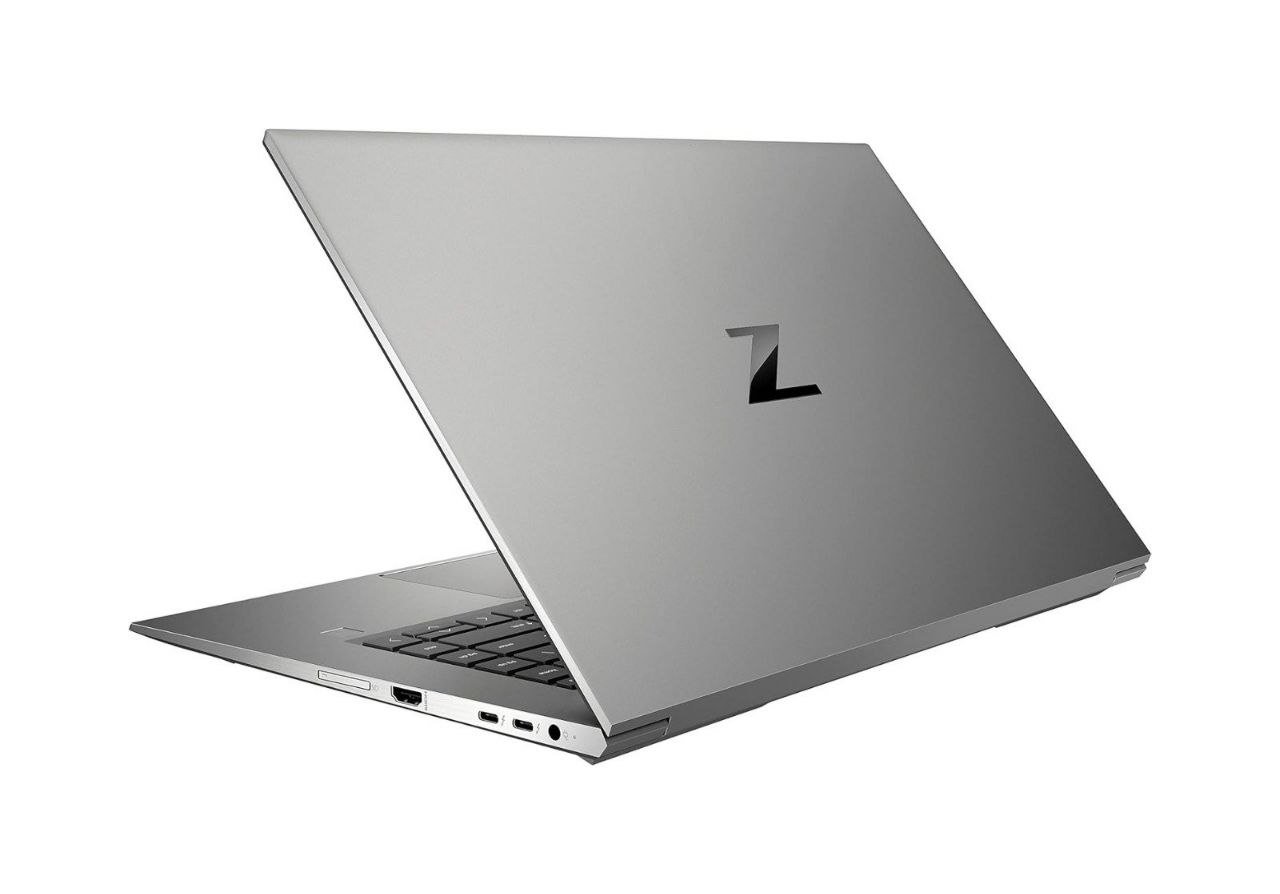
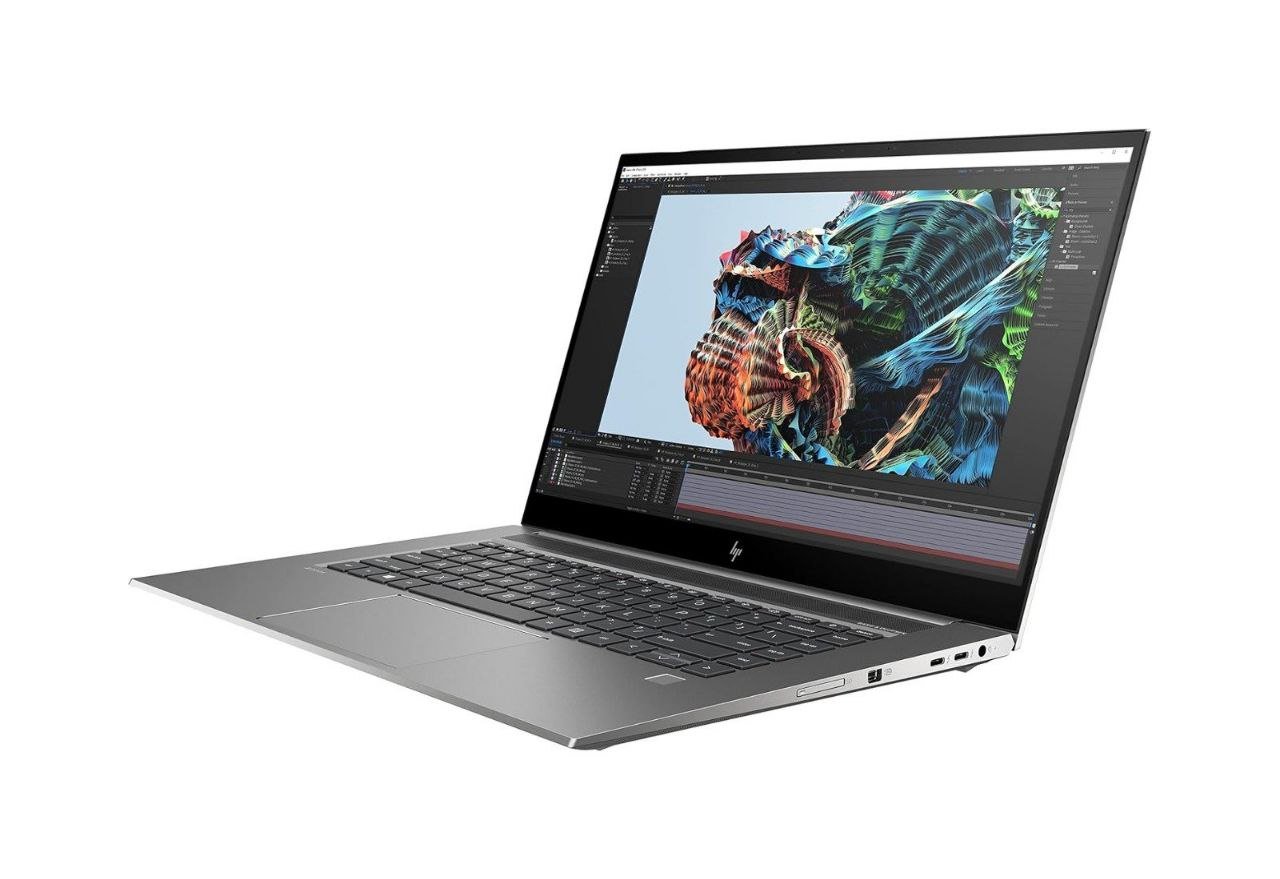
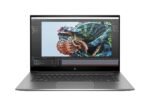
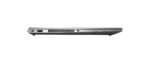
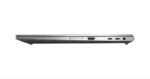
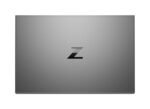
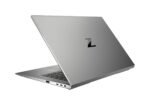
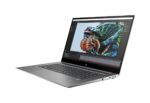


HP ZBook Studio G8 Workstation\Core i7-11850H\32GB DDR4\M.2 512GB\Nvidia Geforce RTX 3070 8GB \15.6″ 4K Touchscreen\USED Laptop
39.900,00 EGP
Processor : Intel Core i7-11850H
2.5 GHz up to 4.8 GHz 24 MB cache and 8 cores
Ram : 32 GB DDR4-3200 non-ECC SDRAM
DISK DRIVE : 512 GB PCIe Gen 3 x4 NVMe M.2 SSD
Graphic card : NVIDIA GeForce RTX 3070 (8 GB GDDR6 dedicated)
& intel uhd graphics
Screen : 15.6 “diagonal, 4K UHD, OLED, UWVA, eDP and PSR Brightview, 100% DCI-P3, multi-touch enabled, 400 nits with ambient light sensor (3840 x 2160) TOUCH
WIFI 6 , BLUETOOTH 5 , WEBCAM
ضمان ثلاث شهور ضد عيوب الصناعة
Out of stock
Feature | Description |
|---|---|
Intel Core i7-11850H Processor | 2.5 GHz base frequency, up to 4.8 GHz with Intel Turbo Boost Technology 24 MB cache and 8 cores Supports Intel vPro technology Intel UHD Graphics for 11th Gen Intel Processors |
Chipset | Intel WM590 |
Memory
Feature | Description |
|---|---|
Standard | Supports dual-channel memory Memory soldered down and not upgradeable |
Maximum | 32 GB DDR4-3200 non-ECC SDRAM Note: Memory configurations might be limited to specific CPU/GPU configurations. |
Graphics
Feature | Description |
|---|---|
Integrated | Intel UHD Graphics Supports up to three displays including the integrated display Supports HD decode, DX12, Intel Quick Sync Video Maximum resolution for external displays for HDMI 2.0 4096 x 2304 at 30 Hz; DisplayPort via USB-C Thunderbolt 4096 x 2304 at 60 Hz, MiniDP 1.4 Note: View Ultra High Definition images with Ultra High-definition (UHD) content. |
Discrete | NVIDIA GeForce RTX 3070 (8 GB GDDR6 dedicated) |
Display
Feature | Description |
|---|---|
Display panels (optional) | Touch 39.62 cm (15.6 in) diagonal, 4K UHD, OLED, UWVA, eDP and PSR Brightview, 100% DCI-P3, multi-touch enabled, 400 nits with ambient light sensor (3840 x 2160) Note: |
Storage/drives
Feature | Description |
|---|---|
M.2 Solid State Drive storage | 512 GB PCIe Gen 3 x4 NVMe M.2 SSD |
RAID | Not supported |
Feature | Description |
|---|---|
Wireless LAN (WLAN) | Intel Wi-Fi 6 AX201 (2×2) and Bluetooth 5 combo, vPro |
Ports/slots
Feature | Description |
|---|---|
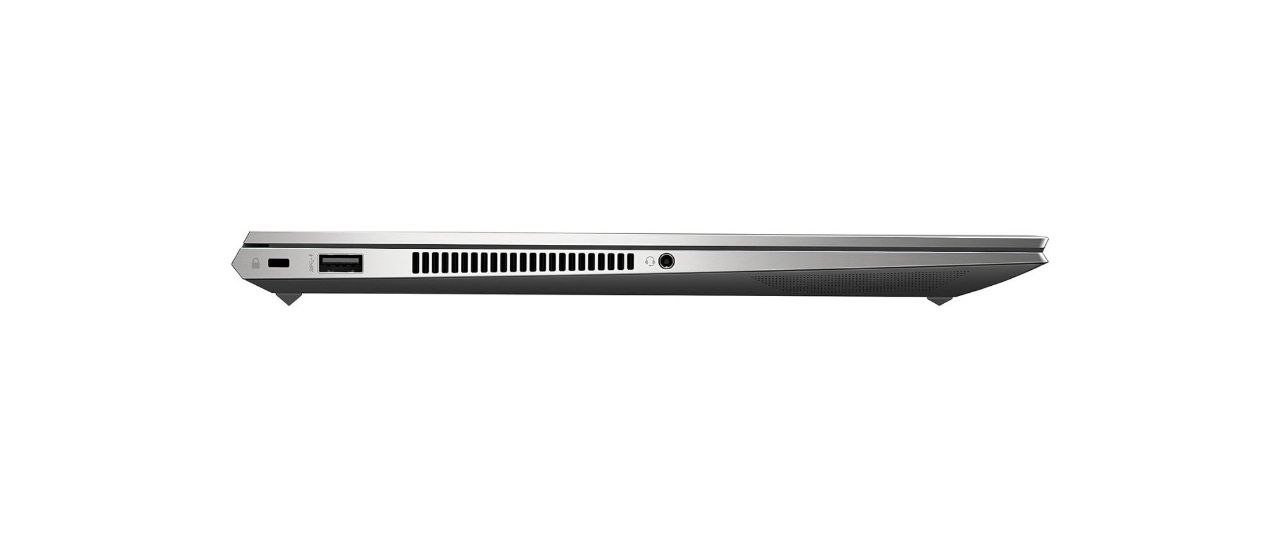
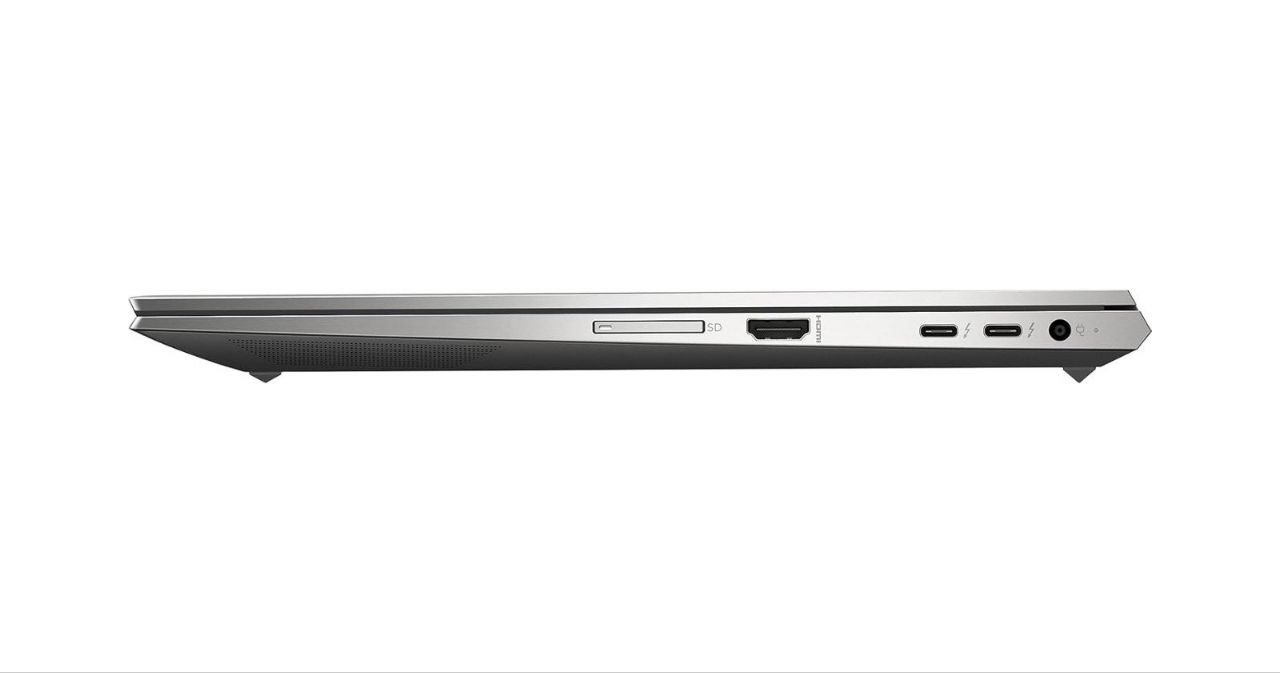
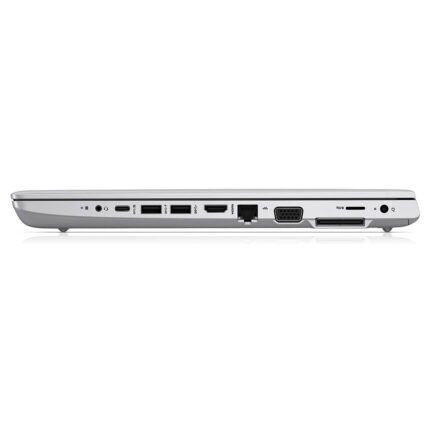
Ports | Left side (1) USB 3.2 Gen 1 Type-A port (charging) (1) Headphone/microphone combo jack Right side (without NVIDIA RTX graphics) (1) AC power input port (2) USB Type-C with Thunderbolt 4 (1) HDMI 2.0 port Right side (with NVIDIA RTX graphics) (1) AC power input port (2) Thunderbolt 4 (40 Gbps signaling rate) with SuperSpeed USB Type-C 10 Gbps signaling rate (USB Power Delivery, DisplayPort 1.4, HP Sleep and Charge) (1) Mini DisplayPort 1.4 port (with NVIDIA Quadro RTX A3000 or higher configurations) Note: HDMI 2.0 connector is provided with Intel UHD Graphics and/or NVIDIA Quadro T1200 or A2000 configurations; MiniDP 1.4 connector is provided with NVIDIA Quadro RTX A3000 or higher configurations. |
Slots | (1) SD 7.0 Media Reader Note: SD Media does not come with the device and requires compatible media in order to use the slot. (1) Nano security lock slot (left) |
Audio/multimedia
Feature | Description |
|---|---|
Audio | Audio by Bang & Olufsen Quad stereo speakers HP World Facing microphone (dual-array digital microphone) Functions keys for volume up and down |
Camera | 720p HD with Temporal Noise Reduction webcam with IR Note: HD content required to view HD images. Windows Hello face authentication utilizes a camera specially configured for near infrared (IR) imaging to authenticate and unlock Windows devices as well as unlock your Microsoft Passport. |
Keyboard/pointing device
Feature | Description |
|---|---|
HP Premium Quiet Keyboard | Full-size, spill-resistant Backlit with with drain and DuraKeys Clickpad with image sensor and glass surface, multi-touch gestures and taps enabled |
HP Premium Quiet Creator Bridge Keyboard | Full-size, spill-resistant Backlit with with drain and DuraKeys Clickpad with image sensor and glass surface, multi-touch gestures and taps enabled Note: Only available in the United States. |
Buttons and function keys | F1 – Display switching F2 – HP Sure View on or off (if configured) F3 – Brightness down F4 – Brightness up F5 – Audio mute F6 – Volume down F7 – Volume up F8 – Microphone mute F9 – Keyboard backlight F10 – Insert F11 – Airplane Mode on or off F12 – Programmable key Print Screen Power Button on/off Delete Fn key lock Hidden function keys Fn + R – Break Fn + S – Sys Rq Fn + C – Scroll Lock Fn + W – Pause |
Software/security
Feature | Description |
|---|---|
BIOS | HP BIOSphere Gen6 (available on select platforms) HP Sure Start Gen6 BIOS Update via Network HP Wake on WLAN HP Secure Erase (methods outlined in the National Institute of Standards and Technology Special Publication 800-88) Absolute Persistence Module Note: Activate Absolute agent firmware module by purchasing a licensed subscription. Purchase subscriptions for terms ranging multiple years. Check with Absolute for availability and warranty outside the U.S. Certain conditions apply. |
Communication/connectivity | Native Miracast support HP Connection Optimizer (requires Windows 10) |
HP Value add software | HP ZCentral Remote Boost (for demanding applications; available for download) HP Performance Advisor (enables optimal configuration of HP Mobile Workstations; available for download) HP Sure Recover Gen3 (requires internet connection and not for systems with multiple drives) HP Sure Sense (requires Windows) HP Hotkey Support HP Support Assistant (requires Windows and internet access) HP Noise Cancellation software HP Image Assistant (available for download) HP PC Hardware Diagnostics HP Smart Support |
Microsoft products | Buy Office (sold separately) Bing search for IE 11 |
Manageability | HP Manageability Integration Kit |
Security | HP Client Security Manager Gen6 (requires Windows and available on select platforms) HP Fingerprint Sensor (sold separately or as an optional feature) HP Device Access Manager Windows Defender (opt in and internet connection required for updates) For Windows 10, Trusted Platform Module (TPM) 2.0 (FIPS 140-2 Level 2 Certified) Common Criteria EAL4+ Certified |
Power
Feature | Description |
|---|---|
Power adapters | HP Smart 150 W External AC power adapter (not available with NVIDIA RTX Graphics or higher configurations) HP Slim Smart 200 W External AC power adapter |
Primary battery | HP Long Life 6-cell, 83 Wh Li-ion polymer Note: Actual battery Watt-hours (Wh) varies from design capacity. Battery capacity naturally decreases with shelf life, time, usage, environment, temperature, system configuration (apps, features, power management settings, wireless), and other factors. Supports battery fast charge Approximately 50% in 30 minutes (defined under system hibernation and off mode) |
Battery life | Up to 9 hours 30 minutes Note: Battery life varies depending on the product model, configuration, loaded applications, features, use, wireless functionality and power management settings. The maximum capacity of the battery naturally decreases with time and usage. |
Physical specifications
Feature | Description |
|---|---|
Weight | Starting at 1.79 kg (3.94 lb) Note: Weight varies by configuration and components. |
Dimensions (W x D x H) | Touch 35.4 x 23.46 x 1.75 cm (13.94 x 9.24 x 0.69 in) |
























Reviews
There are no reviews yet.